要在 CentOS Stream 9 上安装 PHP 8.1,请遵循以下步骤:
步骤 1:通过运行以下命令确保您的系统已更新:
sudo dnf update

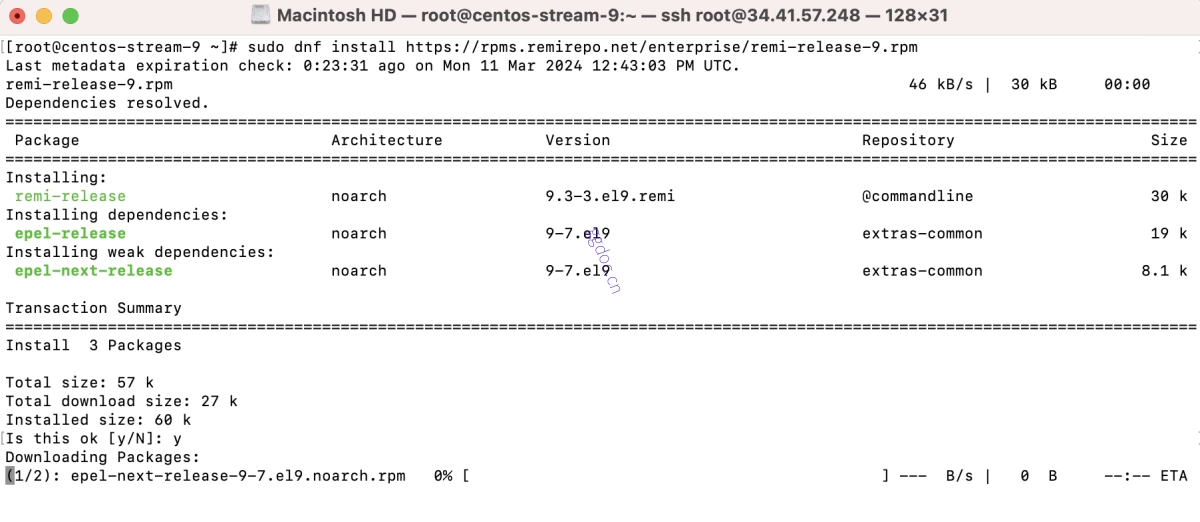
步骤 2:通过运行以下命令安装 Remi 仓库:
sudo dnf install https://rpms.remirepo.net/enterprise/remi-release-9.rpm
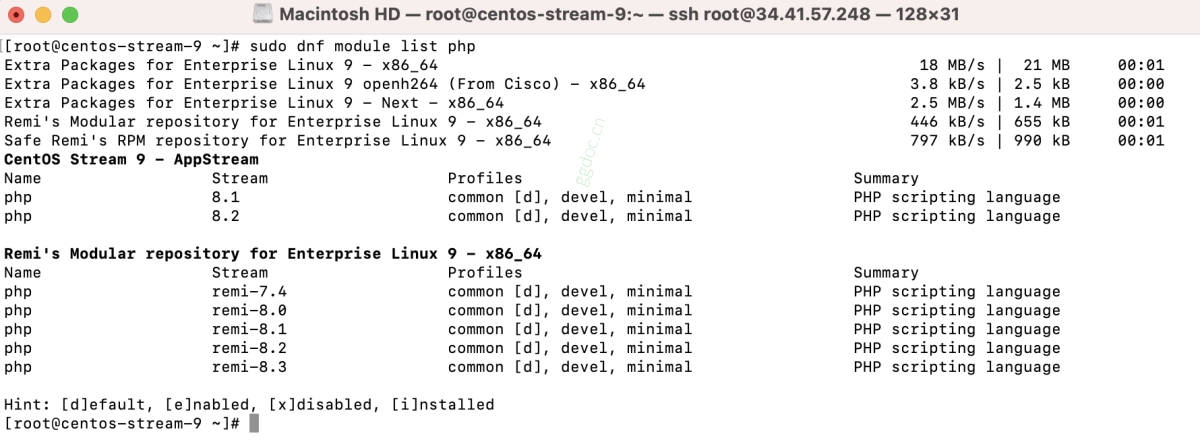
步骤 3:使用以下命令检查可用的 PHP 模块:
sudo dnf module list php
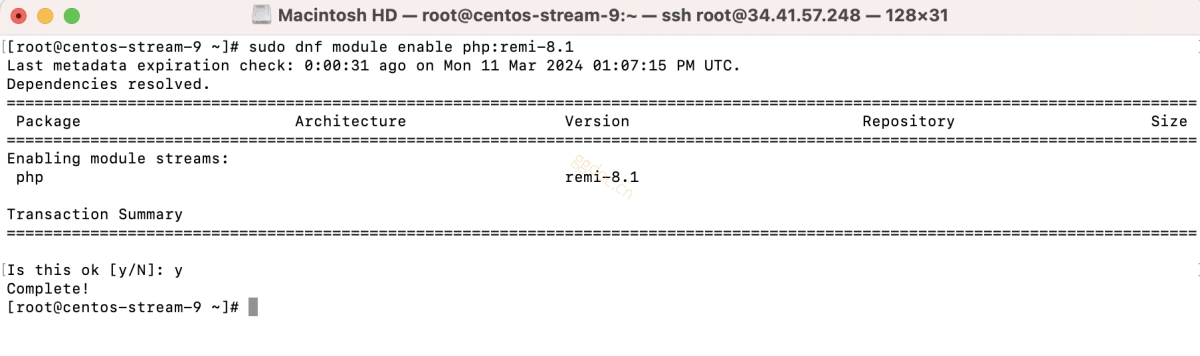
步骤 4:通过运行以下命令启用 Remi 仓库:
sudo dnf module enable php:remi-8.1
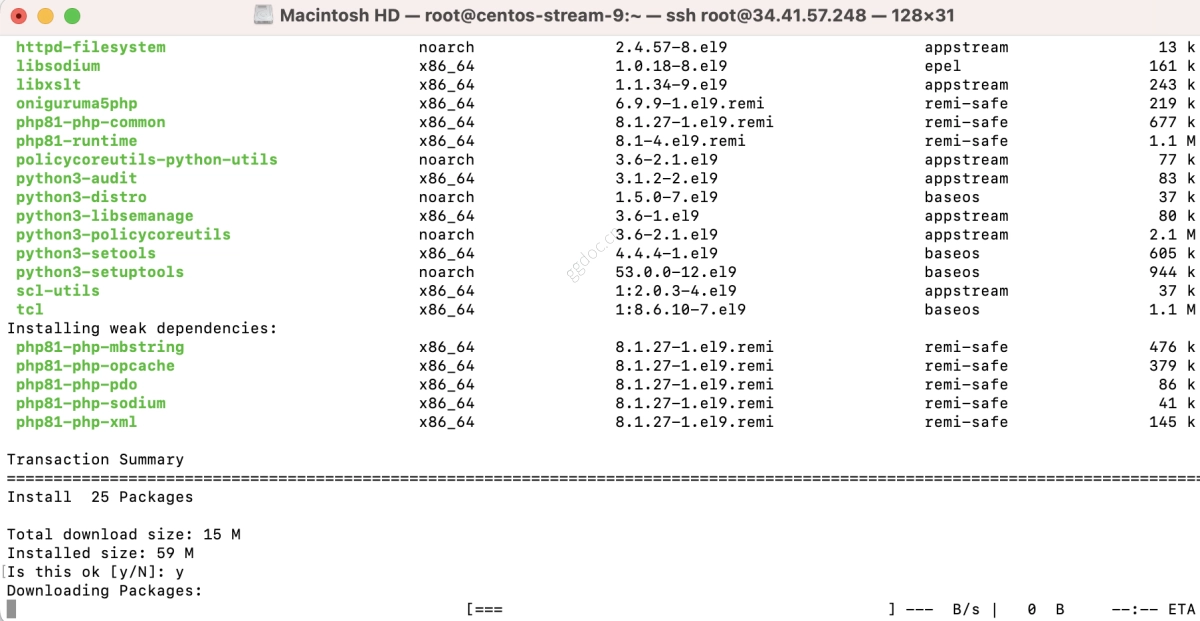
步骤 5:安装 PHP 核心组件:
sudo dnf install php81 php81-php-fpm php81-php-cli
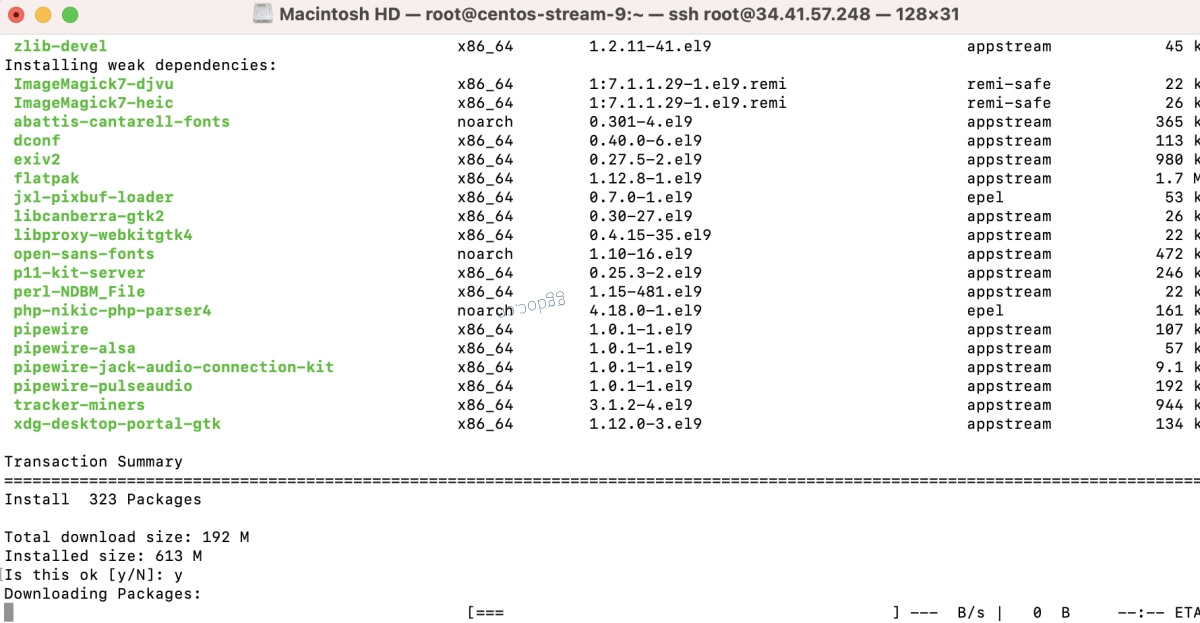
步骤 6:通过运行以下命令安装常用的 PHP 扩展:
sudo dnf install php81-php-{mysqlnd,curl,gd,mcrypt,json,pear,common,xml,zip,devel,xsl,soap,bcmath,mbstring,gettext,imagick}
扩展说明:
- mysqlnd:PHP 的 MySQL Native Driver。
- curl:用于通过 URL 传输数据的客户端 URL 库。
- gd:图形绘制(用于图像处理)。
- mcrypt:已弃用的加密库。
- json:JSON (JavaScript Object Notation) 支持。
- pear:PHP Extension and Application Repository。
- common:各种 PHP 扩展之间共享的通用功能。
- xml:可扩展标记语言 (XML) 支持。
- zip:Zip 归档管理。
- devel:用于构建 PHP 扩展的开发文件。
- xsl:XSL (Extensible Stylesheet Language) 支持。
- soap:Simple Object Access Protocol 支持。
- bcmath:任意精度数学运算。
- mbstring:多字节字符串支持。
- gettext:国际化函数。
- imagick:ImageMagick PHP 扩展。
步骤 7:检查已安装的 PHP 版本:
php81 -v

恭喜!您已成功在 CentOS Stream 9 上安装了 PHP 8.1。